Views: 0 Author: Site Editor Publish Time: 2025-11-26 Origin: Site
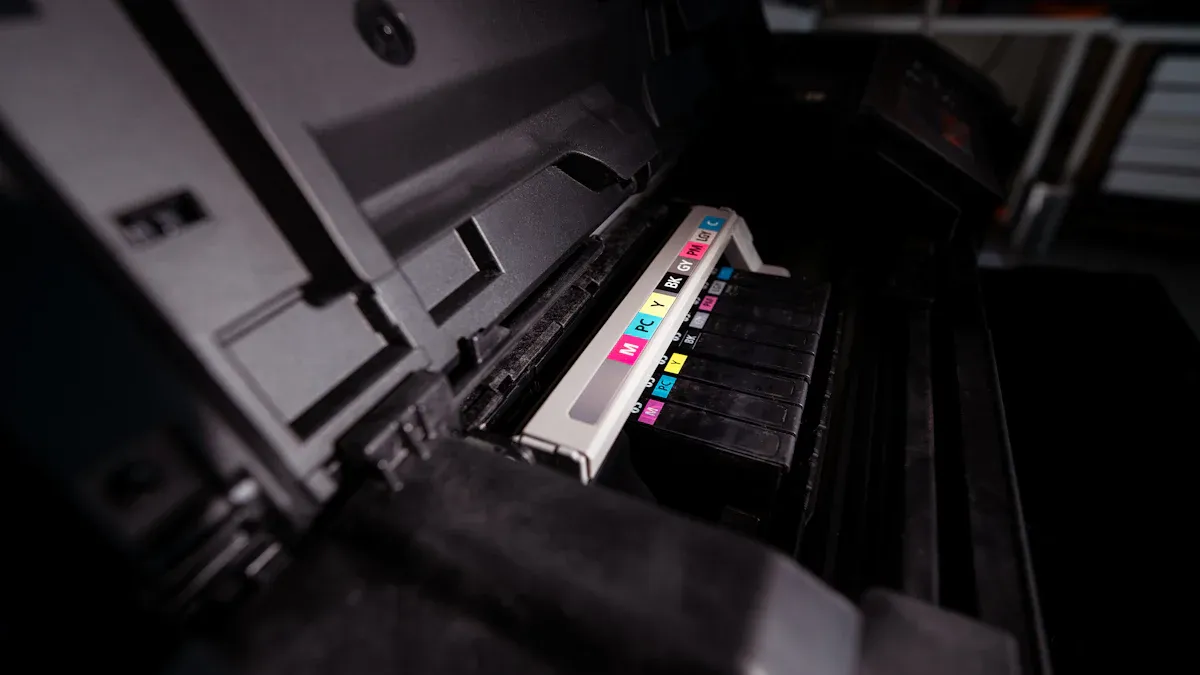
Choosing the right Label Printing Machine for small runs can seem hard. You want a machine that works well for your small business. You also need to think about print quality, cost, and how easy it is to use. Many small businesses have problems like making sure the machine works with different label types. They also want clear prints, no hidden costs, and good support. If you look for flexibility, reliability, and great customer service, you will do well.
Think about what you need to print. Check how many labels you need, what size they are, and what material you want. Pick a machine that matches what you need.
Make sure the print looks good and is fast. Good labels make your brand look better. They help you get more customers.
Find machines that are easy to use and have good help. Simple machines save you time. Good customer service helps you worry less.
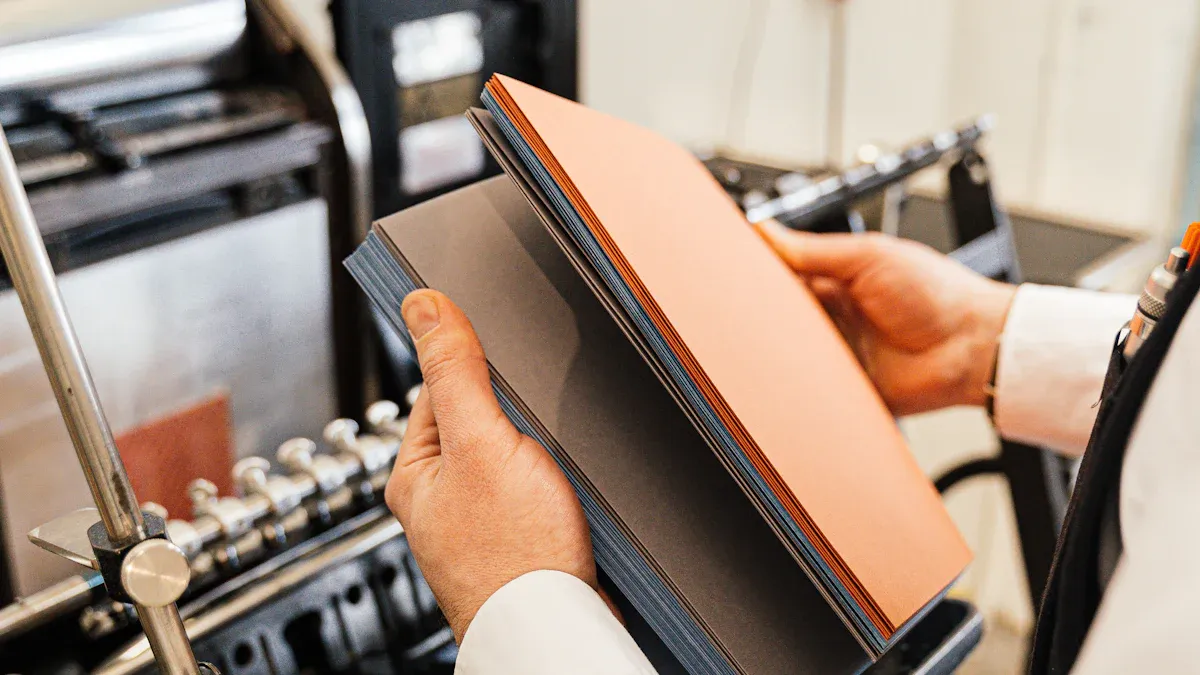
Think about how many labels you print each week or month. If you own a small shop, you do not need a big label printing machine. You need a machine that prints small batches and does not waste supplies. If you sell at markets or pop-up events, a label maker for on-the-go printing is helpful. Small and portable machines are easy to carry and set up anywhere.
Labels can be big or small. You may need tiny price tags or large labels for products. The material is important too. Some labels must be waterproof or very strong.
If you want tough labels, pick vinyl or polypropylene. Paper is good for indoor use and costs less than tape.
You want your labels to look neat and professional. Good printing helps your products stand out and makes customers trust you. Nice labels can help people notice your items and buy more. You can add logos, colors, and special finishes to make your labels unique.
Choose if you want color or just black-and-white labels. Color printing costs more, about 10 to 15 cents per page. Monochrome printing costs about 8 cents. The best label maker for small businesses saves money and looks nice. If you print many labels, monochrome is cheaper. Bluetooth lets you print from your phone or tablet, which makes things easier.
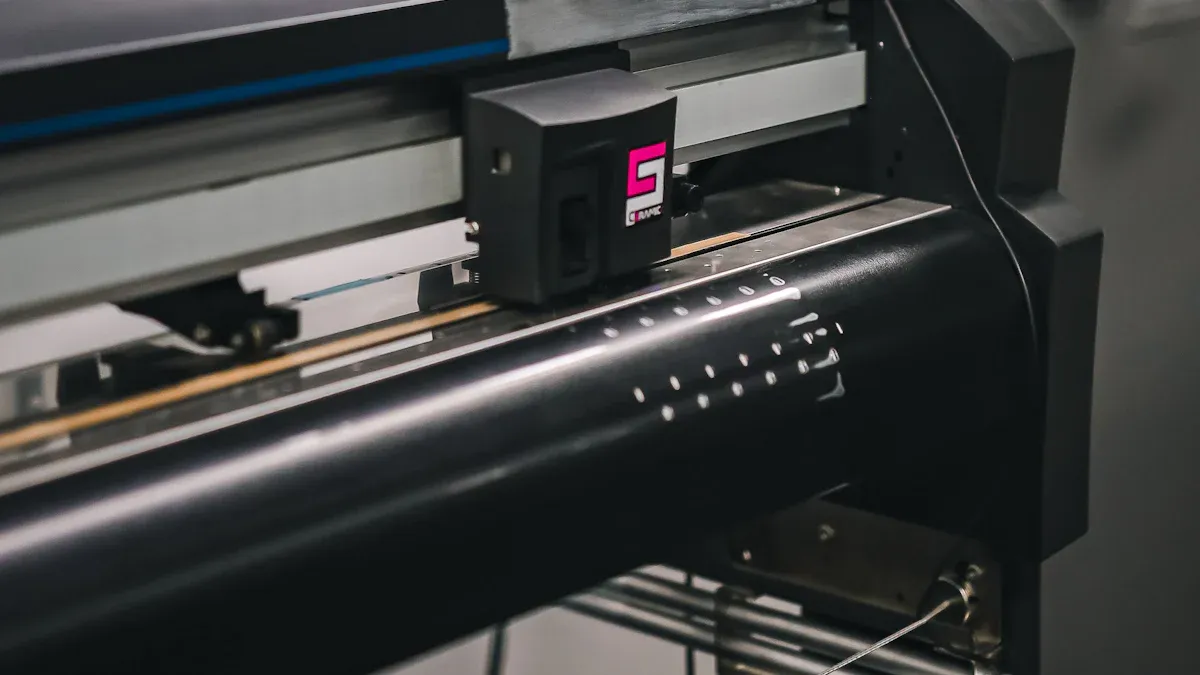
When you pick a label printing machine, you want the right balance between speed and quality. If you print small batches, you do not need the fastest machine. You want clear, sharp labels that look professional.
If you want durable labels with crisp images, choose a model with higher resolution. For most small runs, a speed of 4-8 inches per second works well.
Modern machines offer many ways to connect. You can use Ethernet for teamwork or Wi-Fi for printing from anywhere in your shop. Some models even support bluetooth connectivity, which is great for printing from your phone or tablet. Here are some benefits:
Ethernet lets many people send print jobs at once.
Wi-Fi gives you freedom to print from any spot.
Most machines work with Mac, Windows, iPhone, Android, and more.
If you need a label maker for on-the-go printing, look for compact and portable models with wireless features.
You want a machine that is easy to use. Simple menus and clear buttons help you get started fast. Easy maintenance means you spend less time fixing problems and more time printing. User-friendly machines lower your training costs and help you avoid expensive mistakes. If you use affordable tape, you save even more over time.
Think about your workspace. A compact and portable label maker for small-business use fits on your desk or shelf. If you need customization options, some machines let you add features without taking up extra space. The best label maker gives you flexibility and keeps your work area neat.
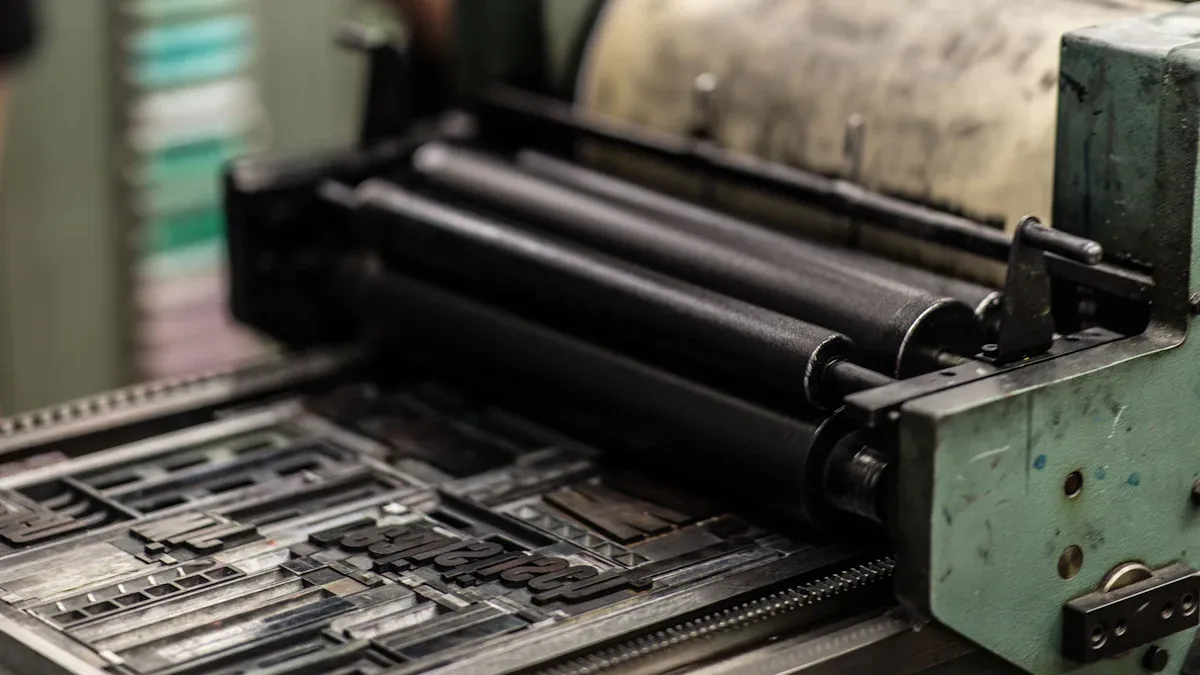
You need to know about the main types of label printing machines. Each type is good for different jobs. Let’s look at each one so you can pick the best for your small runs.
Direct thermal printers use heat on special paper to make images. You do not need ink or ribbons, so it is simple. Here are some good and bad things about them:
Advantages | Disadvantages |
|---|---|
Saves money for small batches | Labels do not last long |
Prints fast | Labels can fade over time |
Easy to use | Special paper costs more |
If you need labels quickly for short use, this type is good. But these labels might fade after a while.
Thermal transfer printers use a ribbon to put ink on labels. This makes labels that last longer and are tough.
Feature | Thermal Transfer Printing | Direct Thermal Printing |
|---|---|---|
Lasts longer | Stays strong in bad weather | Not as tough, paper can get ruined |
Costs more | Needs ribbons | Cheaper, no ribbons needed |
Best for | Labels that need to last | Labels for short use |
You can pick different materials and finishes with this type. It is good if you need labels for hard jobs.
Inkjet printers spray tiny drops of ink on labels. They are great for colorful designs and let you change things easily.
Benefit | Description |
|---|---|
Saves money | Good for printing a few labels |
Print when you want | Only print what you need |
Change designs fast | Easy to make new designs |
Try new ideas | Test new label looks |
Lasts well | Labels do not get ruined by water or sun |
Many inkjet printers let you print from your phone or tablet with bluetooth.
Laser printers use toner to make sharp and clear labels. You get nice-looking labels and fast printing.
Makes text and pictures look neat and easy to read.
Works with many kinds of label materials, even dark or clear ones.
Prints fast for small batches, but inkjet is cheaper if you change designs often.
If you want clear images and quick printing, laser printers are a good pick.
If you want a good label maker for small runs, you need a machine that fits your business. Let’s look at three top Henghao machines. These are flexible, print well, and have good support.
This label printing machine gives you nice labels without wasting time or money. The 4-color narrow-web flexographic printing machine from Henghao is great for small batches. It works fast and prints on paper, plastic, and film.
Here are some advantages:
Advantage | Description |
|---|---|
Quick setup and job changes | You can switch jobs fast and save time. |
Lower cost for each label | Printing small batches costs less, so you make more money. |
Sharp print quality | You get clear labels for your products. |
Works with many materials | This machine prints on lots of different things. |
This machine is good for food, medicine, cosmetics, and other products. If you need nice labels for packaging, this model is a good choice.
Tip: Henghao gives strong customer support and after-sales help, so you always have someone to ask.
If you want colorful and detailed labels, the 6-color UV flexographic printing machine from Henghao is a smart pick. This machine uses UV inks and has smart features. You get bright colors and less waste.
Check out these features:
Feature | Benefit |
|---|---|
Servo-driven, gearless | You get accurate prints and easy use. |
Automation | The machine helps you work faster and make fewer mistakes. |
Inline finishing | You can add special finishes in one go. |
Expanded Gamut printing | Your labels look bright and colorful, with less setup time. |
More businesses want short runs and custom labels now. This machine lets you print new designs and change jobs quickly. Henghao’s team helps you learn and keeps your machine working well.
Fine details can be hard to print.
Color fades may not look perfect.
Setup takes longer, so plan your jobs.
If you want sharp labels that stand out, this machine is a great choice.
Do you need big labels, banners, or special marketing prints? The customizable wide-format flexographic printing machine from Henghao lets you make unique prints for any job. You can pick features that fit your business.
Here’s what makes this machine special:
Customization Option | Description |
|---|---|
Custom marketing materials | You can make displays, banners, and posters for your brand. |
Prints on many types and sizes | Print on lots of media and sizes, so you can do any job. |
Personalized labels | Use variable data printing to make labels for special campaigns. |
Make custom prints for events or stores.
Create cool marketing materials fast.
Use variable data printing for special campaigns.
Note: Henghao’s machines are flexible and have strong customer support. You get training, spare parts, and answers to your questions.
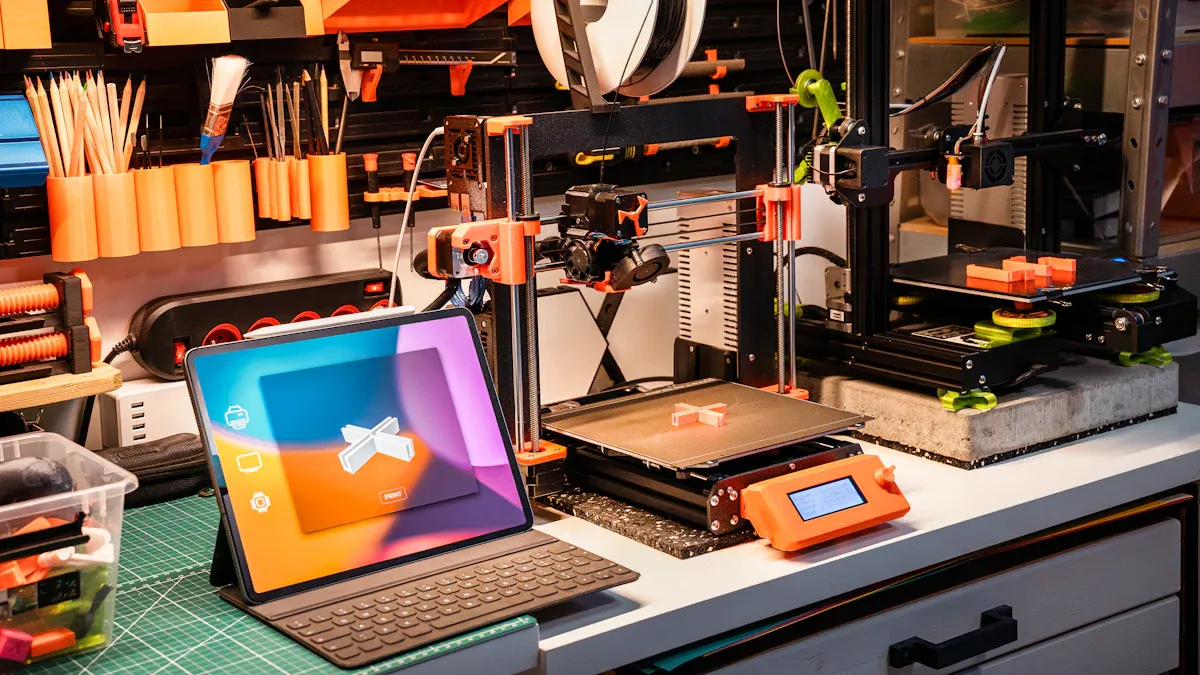
When you shop for the best label maker, you want to get the most for your money. Prices can range from under $30 to nearly $200.
Entry-level models work well for up to 2,000 labels. Mid-range machines handle more and cost less per label if you print a lot. Think about how many labels you need each month.
You want peace of mind when you buy a label printing machine. Many brands offer warranties from one year up to five years. Some even give lifetime tech support.
Tip: If you’re a first-time buyer, strong support and a good warranty make a big difference.
If your business grows, your label maker should keep up. A scalable machine lets you handle more orders without losing quality. Some machines even offer cloud printing, so you can adjust as your needs change.
Scalability helps you manage busy seasons.
You keep your labels looking sharp as you grow.
Reading reviews helps you spot the best label maker for your needs. Users often mention things like:
Flexibility with label size and design.
Easy-to-carry models.
Tape costs and replacement prices.
Comfort and ease of use.
Some users love compact machines, while others want more features. Look for reviews that match your business style.
You can find the best label printing machine by matching your needs to the right features. Make a list of what matters most. Compare top models, like those from Wenzhou Henghao, for print quality, speed, and support.
Check reviews and talk to vendors if you need more help.
You want a label printer with a built-in screen and keyboard. This lets you type and edit labels right on the machine. No computer needed!
Yes! Many printers come with a built-in screen and keyboard. You can create, preview, and print labels directly. This saves you time and keeps things simple.
A built-in screen and keyboard help you work faster. You see your label before printing. You fix mistakes easily. You get more control over your label designs.
Tip: If you print labels in different places, a built-in screen and keyboard make your job much easier.