Views: 0 Author: Site Editor Publish Time: 2025-11-24 Origin: Site
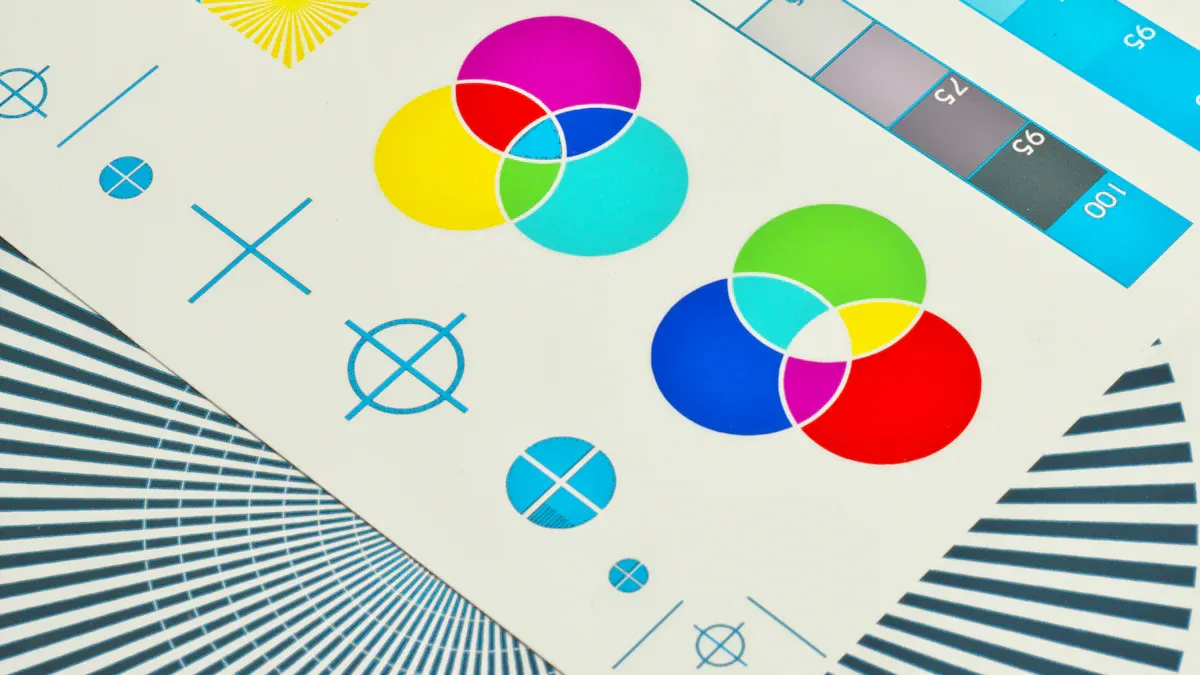
Are you thinking about how many colors you need for your label printing machine? Let’s make it simple. If your labels have hard designs, you will need more colors. The size of your business matters too. Your market segment is important as well.
Pick how many colors you need for your label design. If your label has only simple text, use 4 colors. If your label has detailed pictures, you may need 5 to 9 colors. - Use the same colors on all your labels to keep your brand the same. This helps customers trust and remember your brand. - You can add special effects like shiny inks or UV coatings to make your labels look special. Make sure your printer has enough color spots for these effects.

When you plan your label, count the colors in your design. Simple labels with only text or basic pictures need fewer colors. If your label has a logo with shading or lots of details, you will need more color stations in your Label Printing Machine. For example, a juice bottle label with fruit and bright backgrounds needs more colors than a plain shipping label.
You should also think about these things when picking your printer:
PMS number: This is a standard color code. It helps you match colors every time.
CMYK formula: Most four-color printers use this to mix colors.
Physical sample: Sometimes, you have a label you want to copy.
If you have a small business and print simple labels, a four-color printer is enough. Bigger companies or brands with fancy designs often pick machines with six or more colors. The price of a Label Printing Machine goes up if you add more color stations, so remember your budget and what you need.
Your brand should look the same on every label. If your colors change, customers might get confused. Keeping colors the same helps people know your products and trust your brand. Henghao knows it is important to keep your brand colors clear and sharp.
Here are some things to keep in mind:
Using the same colors keeps your brand strong.
Good color matching protects your brand’s name.
Bad color matching can make your labels look cheap.
If you want your brand to be noticed, pick a Label Printing Machine that can print all your brand colors. This is extra important for companies with many products or different label styles.
Do you want your labels to stand out? Special effects like metallic inks, UV spot coatings, varnishes, and embossing can make your labels look cool. These effects often need more color stations in your printer.
Some popular special effects are:
Metallic inks: These make your labels shiny and fancy. They are a cheaper way to add sparkle instead of using foil.
UV spot coatings: These add shine or texture to parts of your label.
Varnishes: These protect your label and make it smooth.
Cold foil or embossing modules: These make raised or shiny spots for a fancy look.
Henghao has printers that can do these effects, so you can make creative and fun labels. If you want to use special inks or finishes, make sure your printer has enough color stations.
The material you print on can change how your colors look. White paper, metallic film, and clear film all show ink in different ways. Glossy covers make colors brighter, while matte covers make them softer. Metallic materials can change color accuracy by 10–15% because they reflect light.
Here are some things to think about:
Different materials change how colors look.
Glossy covers make colors pop; matte covers make them soft.
Metallic materials can make colors look different than on white paper.
Digital printing needs good color matching, and the material matters.
If the material does not hold ink well, your label might have missing dots.
Henghao can help you pick the right Label Printing Machine for your material. If you use special materials, you may need more colors to get the best look.
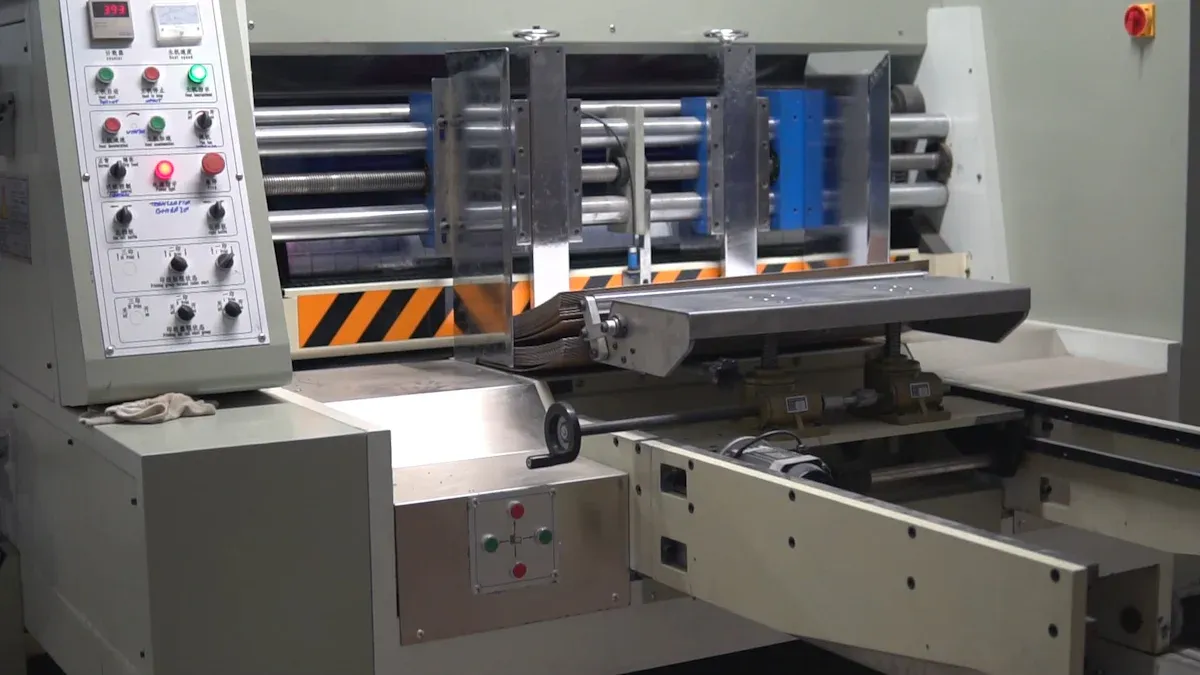
A 4-color Label Printing Machine is good for basic labels. You can use it with paper, plastic films, metallic foils, and more. It also works for self-adhesive labels, laminates, non-woven fabrics, thermal paper, kraft paper, and PE-coated paper. Henghao’s 4-color printers are great for small businesses. They are also good for anyone who needs clear text and simple graphics. These printers are easy to use and give steady results.
Do you want more color for your brand or special effects? A 5-color Label Printing Machine from Henghao gives you more choices. You can add spot colors, white toner for dark materials, or metallic finishes. This makes your labels look special and professional.
Advantage | Description |
|---|---|
Expanded Color Options | You get brighter and more exact colors. |
Specialty Effects | You can use white toner and metallic finishes. |
Market Differentiation | You can offer better services and earn more. |
New Applications | Good for packaging, promotions, and fancy branding. |
Do you want bright images and true colors? 6-color Label Printing Machine gives you more color choices. You can print on many materials and get great results, even for photos. This machine is perfect for brands that want sharp graphics and complex designs.
Feature | Description |
|---|---|
Color Gamut | Orange and green inks make images brighter. |
Color Accuracy | Colors match your brand better. |
Versatility | Prints on many shapes, sizes, and materials. |
Printing Speed | Works fast for big orders. |
High-Quality Output | Good for detailed and photo labels. |
If you want to be creative, 9-color Label Printing Machine can print almost anything. You can make stickers, labels, paper cups, aluminum foil, and plastic film look great. This machine is good for businesses that want special effects and unique designs.
Application Type | Description |
|---|---|
Adhesive Stickers | Prints well on sticky materials. |
Labels | Works for many types of labels. |
Paper Cups | Prints on cup materials. |
Aluminum Foil | Handles foil materials. |
Plastic Film | Prints on plastic film. |
Tip: Henghao has many Label Printing Machines. You can find one that fits your business and budget.
Picking the right label printer can feel tricky, but you can make it simple with a checklist. Use this table to compare your options and see what matters most for your business:
Criteria | Description |
|---|---|
Ink Type | Choose between dye-based or pigment-based inks for bright colors and lasting prints. |
Print Quality | Look for high DPI settings if you want sharp, detailed images. |
Durability | Make sure your labels can handle moisture, sunlight, and rough handling. |
Print Volume | Think about how many labels you need each day or month. |
Label Size & Material | Check if the printer works with your label sizes and materials. |
Cost | Look at the cost per print and how much ink replacements will cost you. |
Connectivity | Make sure the printer connects easily to your computer or network. |
Usability | Pick a machine that is easy to use and has helpful features. |
Printing Speed | Fast printers help you keep up with big orders. |
Cutting Features | Decide if you need built-in cutting for custom label shapes. |
Brand Reputation | Choose a trusted brand like 恒豪 for reliable support and quality. |
You can use a simple flowchart to help you decide which flexo printer color setup fits your needs. Ask yourself these questions:
Do you need bright, vibrant colors or special effects?
If yes, look for a printer with more color stations.
What kind of images do you print?
If you print simple text or logos, fewer colors work fine.
If you print photos or detailed graphics, choose a printer with more colors.
What material do you use?
Some materials need special inks or color sequences.
How important is color accuracy for your brand?
If your brand colors must match exactly, pick a printer that supports spot colors.
How many labels do you print?
For large volumes, pick a fast printer with stable operation.
What is your budget?
Fewer colors can save money, but more colors give you more design options.
Every business has different needs. Here are some real-world examples to help you see which Label Printing Machine fits your situation:
Industry | Label Use Cases | Key Requirements |
|---|---|---|
Telecommunications | Asset tags for cables, server cabinets, and fiber optics | Labels must resist wear, water, oil, and sunlight for long-term use. |
Logistics and E-commerce | Shipping labels, barcodes, QR codes | High-speed printing and stable operation for fast sorting and inventory. |
Healthcare and Pharmaceutical | Medicine packaging, sample tubes, medical records | Waterproof, chemical-resistant, and durable labels with high resolution for safety and tracking. |
If you run a small shop and want to save money, you might choose a four-color printer. This keeps costs low and still gives you clear, simple labels. If you need your labels to stand out on store shelves, you might want a six- or nine-color printer. More colors mean more creative designs, but also higher costs. Try to balance your design needs with your budget. Printing in CMYK can help you save money, especially for short runs. Using fewer colors can also cut costs and speed up production.
Henghao offers a range of printers for every business size and label type. You can find a machine that matches your needs, whether you print simple shipping labels or creative, eye-catching designs.
Pro Tip: Talk to Henghao for advice or a demo. You can see which printer works best for your business before you decide.
You should look at your label design and brand needs. Henghao can help you pick the best printer for your business.
Yes! Henghao printers let you add metallic inks, varnishes, and other effects to make your labels stand out.
Henghao printers work with paper, plastic film, foil, and more. You can print on many types of label materials.