Views: 0 Author: Site Editor Publish Time: 2025-11-21 Origin: Site
Choosing the right label printing machine can change how your business works. Customization lets you pick machine features that fit your products. You should think about what kind of labels you need. You should also think about how many labels you want. Think about how the machine will work in your daily tasks. Machines that can change for different label sizes, shapes, and materials help many businesses stay flexible and work well.
Here are important reasons why customization is needed:
Key Factors | Description |
|---|---|
Customization | Machines that work with many label sizes, shapes, and materials are needed for different products. |
Ease of Use | Easy-to-use controls are important for small business owners who do not have technical staff. |
Cost-Effectiveness | The total cost, including the first price and supplies, is very important for small businesses. |
Sustainability | Eco-friendly choices are more important now, as buyers like companies that care about the planet. |
A step-by-step plan helps you pick the best machine for your business.
Think about what kind of labels you need. Check the size, shape, and material. This helps you pick a machine that matches your products well.
Find a label printer that is easy to use. Simple controls help you save time. They also help you make fewer mistakes. This is good for small businesses.
Look at both the first price and future costs when picking a printer. Remember to include supplies and maintenance. This helps you avoid surprise costs.
Make sure your printer works with your current systems. This makes your work faster. It also helps your business grow without problems.
Pick a machine that lets you change settings. This lets you print different labels. You can also adjust as your needs change.
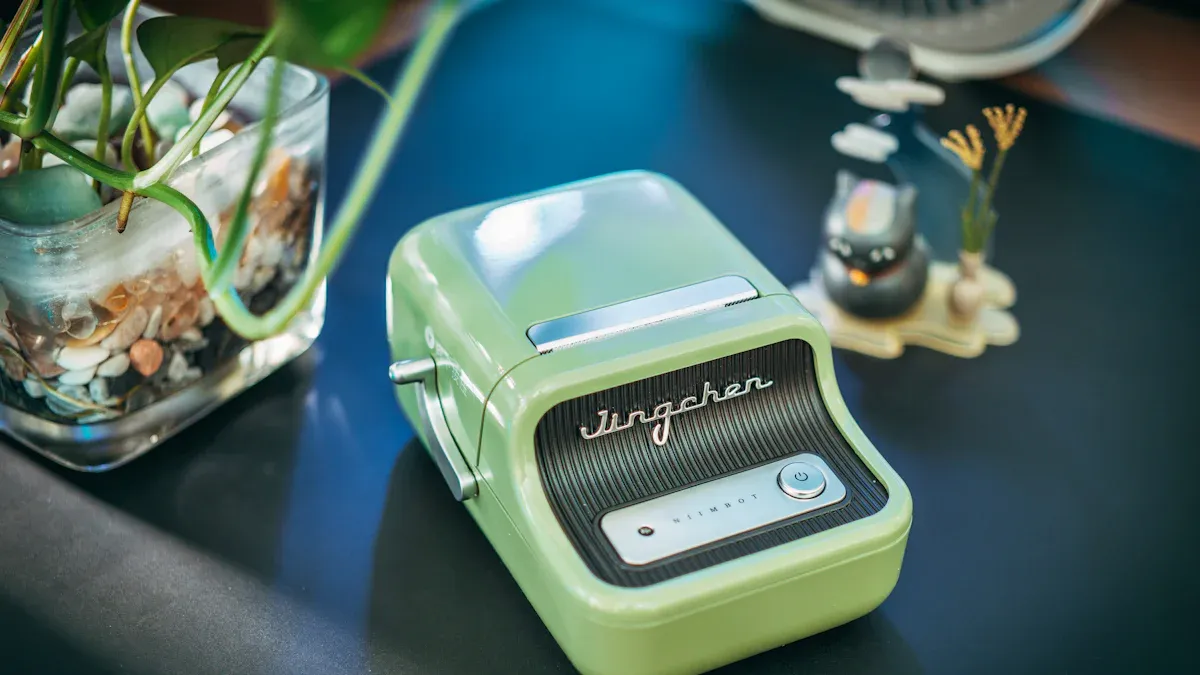
First, think about how big your labels should be. Also, think about what shape you want. Some products need small, rectangle labels. Others need big or special shapes. When you know the size, you can pick the right machine. Many machines let you change guides or use templates. This helps you make labels that fit your packages well.
The label material changes how your label looks and lasts. Different jobs need different materials:
Polyurethane dome labels are strong and do not scratch. They also stand up to chemicals and heat.
Graphic overlays look nice and keep labels safe from harm.
Film labels last a long time and work for many things.
You also need to think about how good the print looks. The machine you pick changes how your labels turn out. Here is a simple chart:
Printer Type | Advantages | Drawbacks |
|---|---|---|
Inkjet | Great print for pictures. Good for small jobs. | Ink costs more. Prints slower. |
Laser | Prints fast for big jobs. Saves money for text. | Not good for color. Costs more at first. |
Thermal | Labels last and handle heat and water. Good for lots of labels. | Not many color choices. Needs special stuff. |
Pick a machine that matches how many labels you need. If you only print a few, you do not need a big machine. If you print a lot, a bigger machine saves time.
When you pick a label printing machine, look for features that help your business. Many brands have different choices, so you can find what you need. These are the most important things to think about.
You want a label printing machine that works with your computer. Good software helps you design and print labels easily. Many machines work with popular programs, so you can choose what fits your work.
You also need to think about how your machine connects to your network. Some machines use USB for a direct connection. Others use Ethernet for a fast and steady link. Wi-Fi lets you put your printer anywhere you want. Here is a quick look at the main ways to connect:
Connectivity Type | Description |
|---|---|
Ethernet | Connects to your network with a cable. Fast and stable. |
Wi-Fi | Connects wirelessly. Lets you move the printer where you want. |
USB | Direct connection to your computer. Simple and reliable. |
Brands like Primera, Epson, Brother, Canon, DYMO, Brady, and Henghao have machines with these connection choices. You can pick the one that works best for you.
A good label printing machine lets you change settings for your labels. Adjustable settings help you print on many materials and shapes. You can set the machine for the best results. This is important if you need special labels or want to switch jobs fast.
Adjustable settings include:
Page size and layout: Set the printer for the right label sheet size.
Margins: Change margins so you do not cut off text or images.
Printer calibration: Align the print head for clear, sharp prints.
You should also check tension control. Good tension control makes print quality better and helps with web tracking and lamination. It also stops web breaks and saves time.
Henghao has machines with easy controls, so you can handle many label types.
You want your label printing machine to work with your other business systems. System integration means your printer can talk to inventory, ERP, or warehouse software. This makes your work faster and more accurate.
Some machines use special software to connect with ERP systems. For example, the Enterprise Printing Platform™ lets you manage and print labels from a web browser. This works with many ERP systems and printer types.
Here are some benefits of system integration:
Quick and accurate marking and tracking of products.
Better inventory management with real-time updates.
Easier compliance with industry rules, like food safety.
Lower costs because you save time and reduce mistakes.
Stronger quality control and faster access to replacement parts.
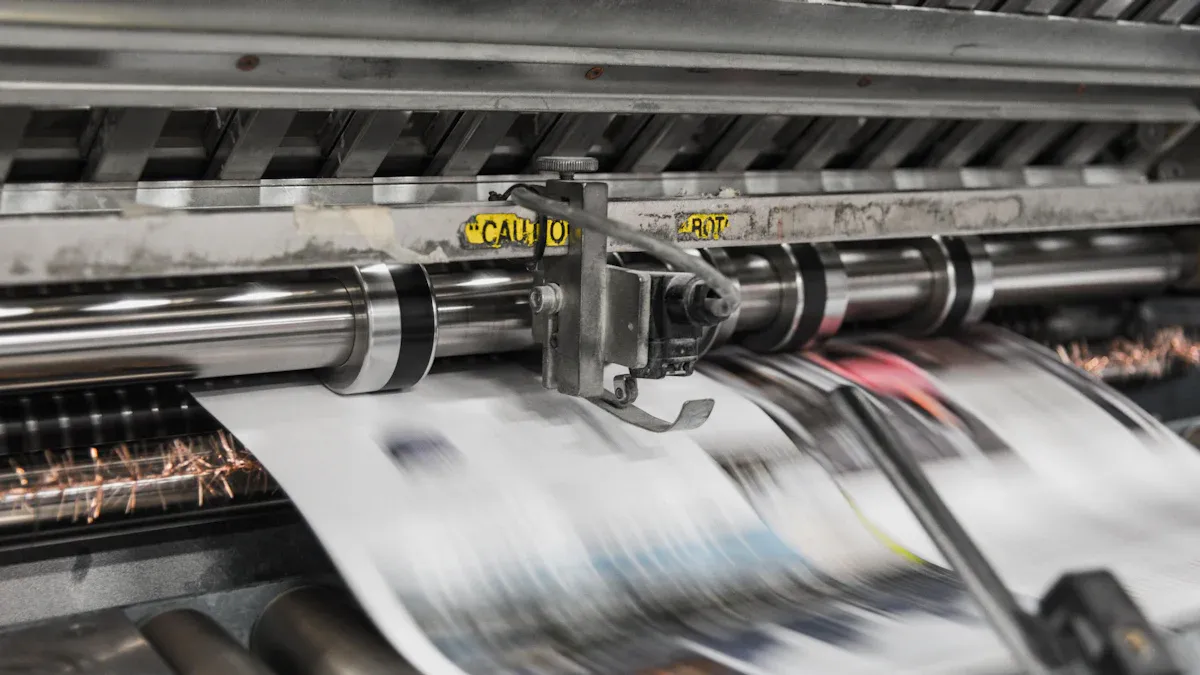
Speed and reliability are very important when picking a label printing machine. You need a machine that works fast and does not break a lot. Different machines have different speeds and can be more or less reliable.
Desktop label printers are good for small businesses or offices. They print labels fast for daily jobs. Most desktop printers make 20 to 50 labels each minute. These machines cost from $150 to $800.
Industrial label printers are made for big jobs and long hours. They print hundreds of labels every minute and can run all day. These machines cost $1,500 to over $10,000. They last longer and do not need many repairs.
Handheld label printers are small and easy to carry. You can use them in stores or warehouses. They print slower, about 5 to 10 labels each minute. Handheld printers cost between $40 and $300.
Pick a machine that matches how many labels you print each day. If you print a lot, an industrial printer saves time and stops delays. For small or mobile jobs, a desktop or handheld printer is best.
Taking care of your label printing machine helps it last longer. How much care you need depends on the type of printer.
Thermal printers are easy to care for. They do not use ink or toner, so there are fewer parts to change. Clean the platen often and use good labels for best results. Thermal printers are great for shipping labels because they are simple and strong.
Inkjet printers need more care. You must clean the nozzles often and keep cartridges safe so they do not clog. Inkjet printers may need cleaning every week and careful handling.
Doing regular maintenance helps your machine work better and last longer. Here are some ways maintenance helps:
Your machine is more reliable and stops less.
Software updates help your machine work well.
Calibration and color checks keep labels looking nice.
Cleaning keeps dust and heat away from your machine.
Well-cared-for machines break less and last longer.
Good care saves money by stopping waste and keeping work steady.
A good user experience makes label printing simple and helps your business grow. You want a machine that is easy to use and has the features you need.
Look for a machine with a clear screen, simple controls, and quick setup. Some machines let you save label templates or connect to your business software. These features help you print labels faster and make fewer mistakes.
You should look at both the first price and later costs when picking a label printer. The price can be very different depending on the machine’s type and size.
You also need to think about costs that come up over time. These are things like ink, labels, and fixing the machine. If you print a lot, you will use more ink and labels. Fixing the machine can cost more if you need new print heads or other parts. Using good ink can help you spend less because it keeps the machine cleaner and wastes less.
Tip: Always count the cost of supplies and fixing the machine, not just the first price.
Technology changes quickly. You want a printer that lets you add new features when you need them. Upgrade paths help you keep up with new rules and make your labels look better. Newer machines can help your business grow and stay ahead. If you can upgrade your printer, you will save money and not have to buy a new one often.
Upgrades can help you work faster and spend less.
New features help you follow new rules.
Better print and speed can help your business do well.
A good warranty helps you feel safe. Top brands give different warranty times.
Getting help and learning how to use the machine is just as important as the warranty. You should check if the company will help you if you have trouble. Many people say good help and training make the machine easier to use and better for work. If you cannot find help details, you might want to look at other brands.
You can find the best customizable label printing machine by doing these things: First, pick the color and design you want for your labels. Next, check the size and shape of your labels. Make sure your artwork is in the correct format. Decide how you will put the labels on your products. Think about what the label will be used for. Tell the supplier how many labels you need. Talking to suppliers lets you try out materials and helps keep your machine safe. It also helps you save money. You can stop problems by matching the printer and label, checking if the print looks good, and picking the right materials. Begin by writing down what you need and talk to suppliers to get the best options for you.
You can make barcode labels, product labels, and shipping labels. You can also print asset tags and custom stickers. Most machines let you use many sizes, shapes, and materials. This helps you pick what works best for your business.
You can connect with USB, Ethernet, or Wi-Fi. USB gives a direct connection to your computer. Ethernet uses a cable to join your network. Wi-Fi lets you put the printer anywhere in your workspace.
You should clean the print head and rollers often. Change ink or ribbons when they run out. Check for software updates to keep things working well. Taking care of your printer helps it last longer and work better.
Many label printers let you add new features or software. You can upgrade for faster printing or better quality. Some upgrades give you more label choices. This helps your machine keep up as your business gets bigger.
Look at label size, material, and how many you print. Make sure the software works with your computer. Think about your budget and what you might need later. Talk to suppliers to find the best printer for your products.